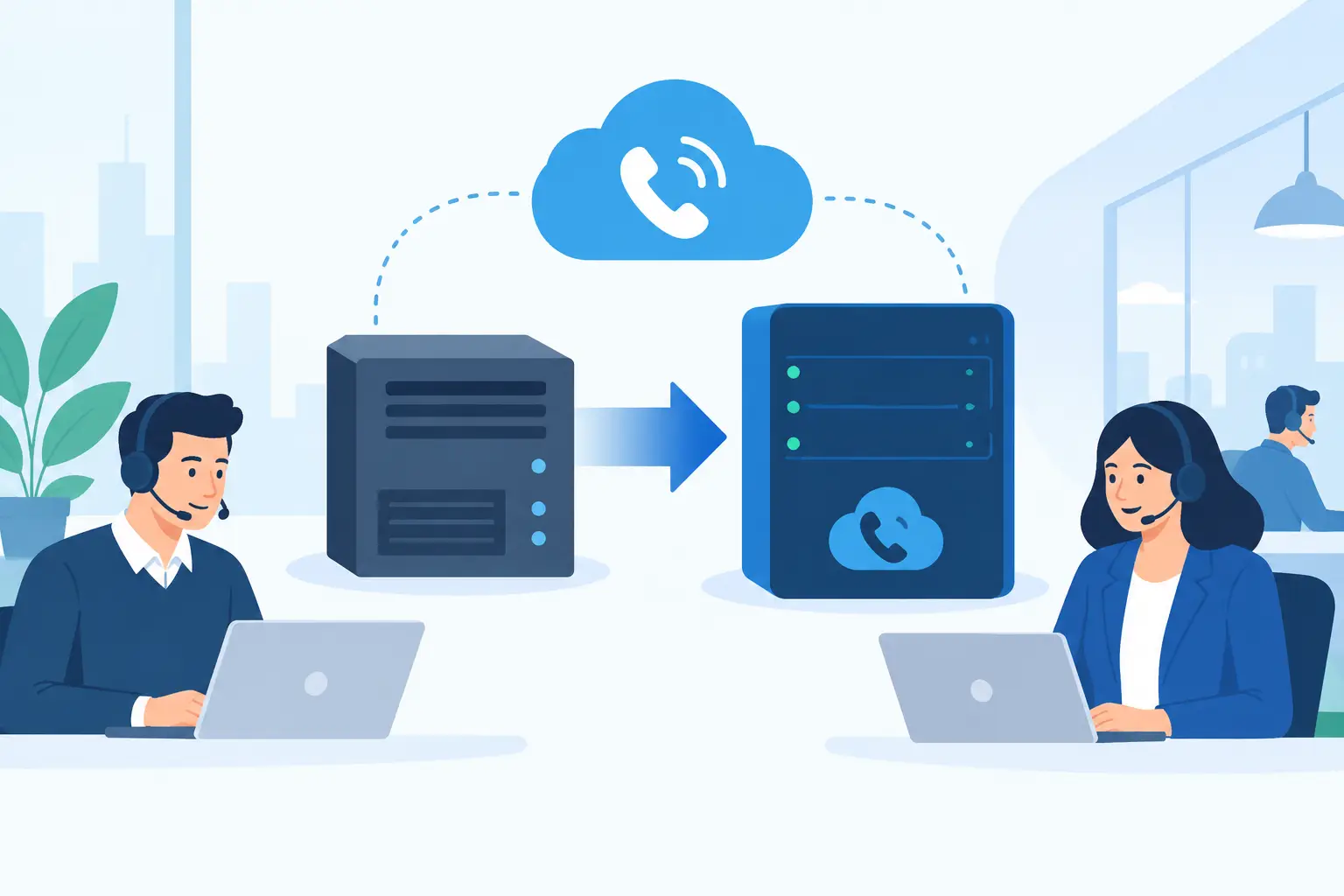
A PBX migration is rarely difficult because a new phone platform is hard to buy. It becomes difficult when an organization discovers that its phone system is tied to emergency calling, door access, fax lines, alarm panels, call queues, legacy carrier contracts, and workflows no one documented. A successful project protects those dependencies while moving voice service to a more reliable, scalable communications environment.
For IT leaders, operations teams, and public-sector technology managers, the objective is not simply to replace a PBX. It is to improve operational continuity, gain visibility into communications costs, support hybrid work, and meet the security or compliance requirements that apply to the organization.
Start PBX Migration With a Complete Inventory
The first major decision is not which cloud calling platform to select. It is understanding what the current system actually supports. Legacy PBX environments often contain years of additions, workarounds, and unused services that continue to generate cost.
Build an inventory that covers every telephone number, direct inward dial range, toll-free number, analog line, PRI, SIP trunk, extension, hunt group, auto attendant, call queue, and voicemail box. Record the carrier, contract dates, monthly cost, business owner, and technical purpose for each service. This creates a practical baseline for evaluating the new design and prevents a number or critical line from being overlooked during porting.
The inventory should also identify devices that may not migrate in the same way as desk phones. These commonly include fire panels, elevators, emergency phones, point-of-sale terminals, fax machines, overhead paging adapters, gate controls, and security systems. Some may be candidates for cellular or purpose-built replacement services rather than standard VoIP. Others may require an analog terminal adapter, a dedicated circuit, or a staged replacement plan.
This is also the point to separate what is essential from what is familiar. A receptionist may need a live call console, while a department that has used a physical hunt group for years may be better served by a modern call queue with presence visibility and reporting. Migration creates an opportunity to simplify, but simplification should follow a documented understanding of how calls are handled today.
Define the Target Architecture Before Moving Numbers
A cloud PBX, UCaaS platform, Microsoft Teams calling environment, or SIP trunking design can all be appropriate. The right choice depends on how users work, the applications already in place, and the level of control required.
Organizations that primarily need dependable business calling may benefit from a hosted voice platform with centralized administration, mobile and desktop applications, call routing, and redundancy. Companies standardized on Microsoft Teams may prefer Direct Routing or Operator Connect, particularly when they need carrier flexibility, detailed routing control, or specialized compliance support. A larger enterprise with an existing communications platform may instead retain its call control and migrate carrier connectivity to SIP trunks.
For government agencies, contractors, and regulated organizations, architecture decisions must go beyond features. Determine where call records, voicemail, recordings, and administration data reside. Confirm identity controls, encryption, role-based access, retention requirements, and the provider’s ability to support the required environment. Teams operating in GCC High or under CMMC and FedRAMP-related obligations need a calling design that aligns with those requirements from the start, not an add-on considered after deployment.
Redundancy deserves equal attention. Ask how inbound calls are rerouted during an internet outage, power failure, site emergency, or carrier disruption. A resilient design may include geographically redundant data centers, automatic failover to mobile devices or alternate sites, backup connectivity, and documented procedures for reception and contact center teams. No design eliminates every outage scenario, but a clear failover plan turns an unexpected event into an operational process.
Validate Network and Security Readiness
Voice quality depends on more than available bandwidth. Latency, jitter, packet loss, Wi-Fi coverage, firewall configuration, and competing traffic all affect the caller experience. A network assessment should test each location under realistic conditions, including peak usage and remote-worker connectivity where applicable.
Voice traffic should be prioritized through quality-of-service policies, particularly at larger offices where video meetings, cloud applications, and guest traffic share the same connection. Review switch capacity, power-over-Ethernet availability, VLAN segmentation, session border controller requirements, and DNS configuration. If a location has unreliable local connectivity, evaluate a secondary circuit or an option that preserves essential calling during an outage.
Security controls should be designed into the rollout. This includes multi-factor authentication for administrative accounts, least-privilege permissions, secure device provisioning, fraud monitoring, and policies for international or premium-rate dialing. Toll fraud can develop quickly when credentials or poorly secured endpoints are compromised. Clear permissions and proactive monitoring are practical cost controls, not merely technical safeguards.
Build a Cutover Plan Around Business Risk
The safest PBX migration is usually phased. A pilot group can validate call quality, user adoption, emergency dialing, and routing rules before the organization commits to a larger cutover. Suitable pilot groups include IT, a small administrative team, or a department with manageable call volume and engaged users.
Porting telephone numbers requires careful timing. The process can take days or weeks depending on the carrier, number type, documentation quality, and whether the losing service has unresolved account issues. Avoid canceling existing carrier service until number ports have completed and calls are verified. A premature disconnect is one of the most avoidable causes of business interruption.
For the final cutover, create a runbook that identifies owners, escalation contacts, test scenarios, rollback criteria, and communications for employees. Test inbound and outbound calling, transfer behavior, voicemail, caller ID, toll-free routing, after-hours schedules, emergency calling, and any integrations with paging, CRM, or contact center systems. If the organization handles high volumes of customer or constituent calls, schedule the change outside its busiest period and ensure staffed support is available immediately afterward.
A short period of parallel operation can reduce risk when the budget and design allow it. Keeping the legacy system active while pilot users operate on the new service gives the team a controlled way to resolve configuration issues. It may add temporary cost, but for a hospital-affiliated organization, school district, government office, or customer service operation, the cost can be justified by reduced exposure.
Prepare Users for the New Calling Experience
Technical readiness does not guarantee adoption. Employees need to know how to make and receive calls, transfer calls, manage voicemail, set presence, use mobile applications, and respond when their internet connection fails. Receptionists, executive assistants, help desk staff, and contact center users need role-specific training because their call flows are often more complex.
Keep training practical. A two-page quick reference and short live sessions are often more effective than a lengthy manual. Explain what will change, what will remain the same, where users can get help, and how emergency calling works from the office, home, and mobile devices. This is especially important for remote workers whose listed emergency location may need to be updated.
Administration should not remain dependent on one person or an outside vendor. Designate trained internal administrators who can manage user changes, call routing, holiday schedules, and reporting. At the same time, ensure the service provider offers responsive US-based support for issues that require carrier or platform intervention.
Measure Results After the Migration
The work continues after the last number ports. Review call quality metrics, support tickets, abandoned-call rates, routing exceptions, and user feedback during the first 30 to 90 days. Compare recurring costs against the baseline created during discovery, including lines that should now be disconnected.
This review often identifies additional opportunities: retiring unused analog circuits, refining auto attendants, improving after-hours routing, or moving seasonal staff to flexible licensing. It can also reveal whether the original configuration is still appropriate as locations, staffing, and compliance obligations change.
A well-managed PBX migration gives an organization more than newer phones or a different dial tone. It establishes a communications foundation that can adapt to changing work patterns without compromising reliability, security, or the ability to serve callers when they need help most.