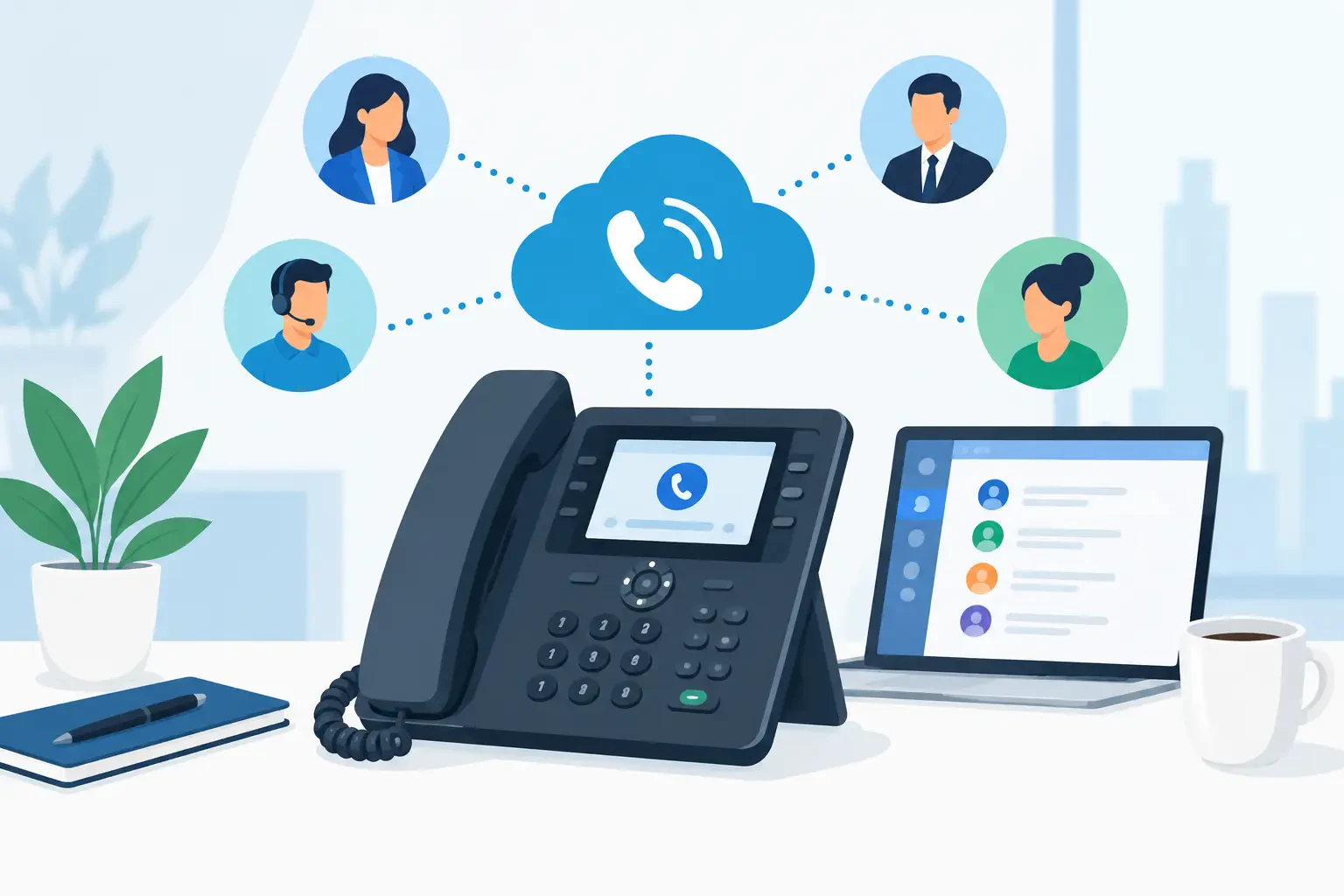
Keep the phones you own, or choose the ones you want.
Bring your own device (BYOD) and keep the phones you already paid for. Beyond Avaya, Intuity supports desk, cordless and conference phones from Cisco, Poly, Yealink and AudioCodes. We test the phones you have, reprogram the ones that can move, and recommend new ones only where a phone can’t make the switch.
Most IP phones are vendor neutral, so they can come with you when you change service. Replacing working handsets is the easiest way to inflate a phone project, so with BYOD we start with what is already on your desks and only recommend new hardware where a phone can’t make the move.
Inventory: every phone listed by brand, model, firmware and location
Test: a sample of each model registered on Intuity, with real calls before you commit
Reprogram: phones that pass are reset, provisioned and given their line keys and extensions
Replace only what can’t move: a short list, with a recommended model for each desk
Why bring your own device
Protect what you spent
Desk phones are a real investment. Keep them in service instead of writing off thousands of dollars in working hardware.
Change service, keep your phones
IP phones are vendor neutral. Leave a provider you have outgrown without leaving your handsets behind.
Nothing new to learn
Your staff keeps the phones they already know, programmed with their names, extensions and line keys.
Four More BYOD Brands
Beyond Avaya, the phones we support.
Enterprise desk phones
Cisco
Cisco IP phones running Multiplatform (MPP) firmware register directly to Intuity. Phones on Cisco’s Unified CM firmware may need converting first, and we check every unit during assessment.
Desk phones
6800, 7800 and 8800 Series
Cordless
6825 Series
Conference
8832
Analog adapters
ATA 190 Series
Best for: offices leaving Cisco call control that want to keep their handsets.
Desk, conference and cordless
Poly
HD Voice desk phones, conference phones built for the middle of the table, and cordless handsets for staff who move around the building.
Desk phones
Edge E Series
Teams phones
CCX Series
Conference
Trio
Cordless
Rove DECT
Best for: teams that live on speakerphone and in conference rooms.
The widest range
Yealink
Entry-level to executive desk phones, Teams-certified models, cordless handsets and conference phones, so one brand can cover every desk and room.
Desk phones
T3, T4 and T5 Series
Teams phones
MP Series
Cordless
W Series DECT
Conference
CP Series
Best for: mixed environments that want one brand everywhere.
Teams phones and gateways
AudioCodes
Teams-native and SIP desk phones, plus the analog gateways that keep fax machines, paging and door phones working after the switch.
Teams phones
C435HD, C450HD and C470HD
SIP desk phones
400HD Series
Analog gateways
MediaPack
Best for: Teams calling rollouts and sites with analog devices to keep.
Side by side
Which phones work where
Works with
Cisco
Poly
Yealink
AudioCodes
Secure Hosted VoIP
Yes, MPP firmware
Yes
Yes
Yes, 400HD Series
Microsoft Teams calling
Through Teams SIP Gateway
CCX Series, Teams certified
MP Series, Teams certified
C400HD models, Teams certified
Cordless (DECT)
6825 Series
Rove
W Series
Not offered
Conference phones
8832
Trio
CP Series
Not offered
Analog gateways and adapters
ATA 190 Series
Not offered
Not offered
MediaPack
On Intuity SIP trunking, your phones stay on your own phone system, so any phone your PBX supports keeps working. Models change often, so we confirm each model and firmware version during assessment. Cisco, Poly, Yealink and AudioCodes are trademarks of their respective owners.
Usually. Bring your own device (BYOD) works for SIP phones from a supported brand on current firmware. We test a sample of each model on Intuity before you commit, so you know which ones move and which need replacing.
Do we need different phones for Microsoft Teams?
For the full Teams experience on a desk phone, yes. Teams-certified models from Poly, Yealink and AudioCodes run Teams natively. Some existing SIP phones can sign in to Teams for basic calling through Microsoft’s Teams SIP Gateway.
Can we mix brands?
Yes. Every phone registers to the same Intuity system, so a Yealink at the front desk and a Poly in the conference room share one directory, one dial plan and one support line.
Can you supply new phones?
Yes. We recommend a model for each role, program it before delivery, and quote phones alongside your service so there is one order and one invoice.
Not sure which phones can stay?
Send us your phone list. We’ll tell you what can stay.
We respond within 1 Business Day
● We respond within 1 Business Day
Request Your Custom Quote
Tell us about your setup and we will build a plan around it.
We never sell your information. See our Privacy Policy.
Why organizations choose Intuity
Encrypted calling with TLS and SRTP, on by default