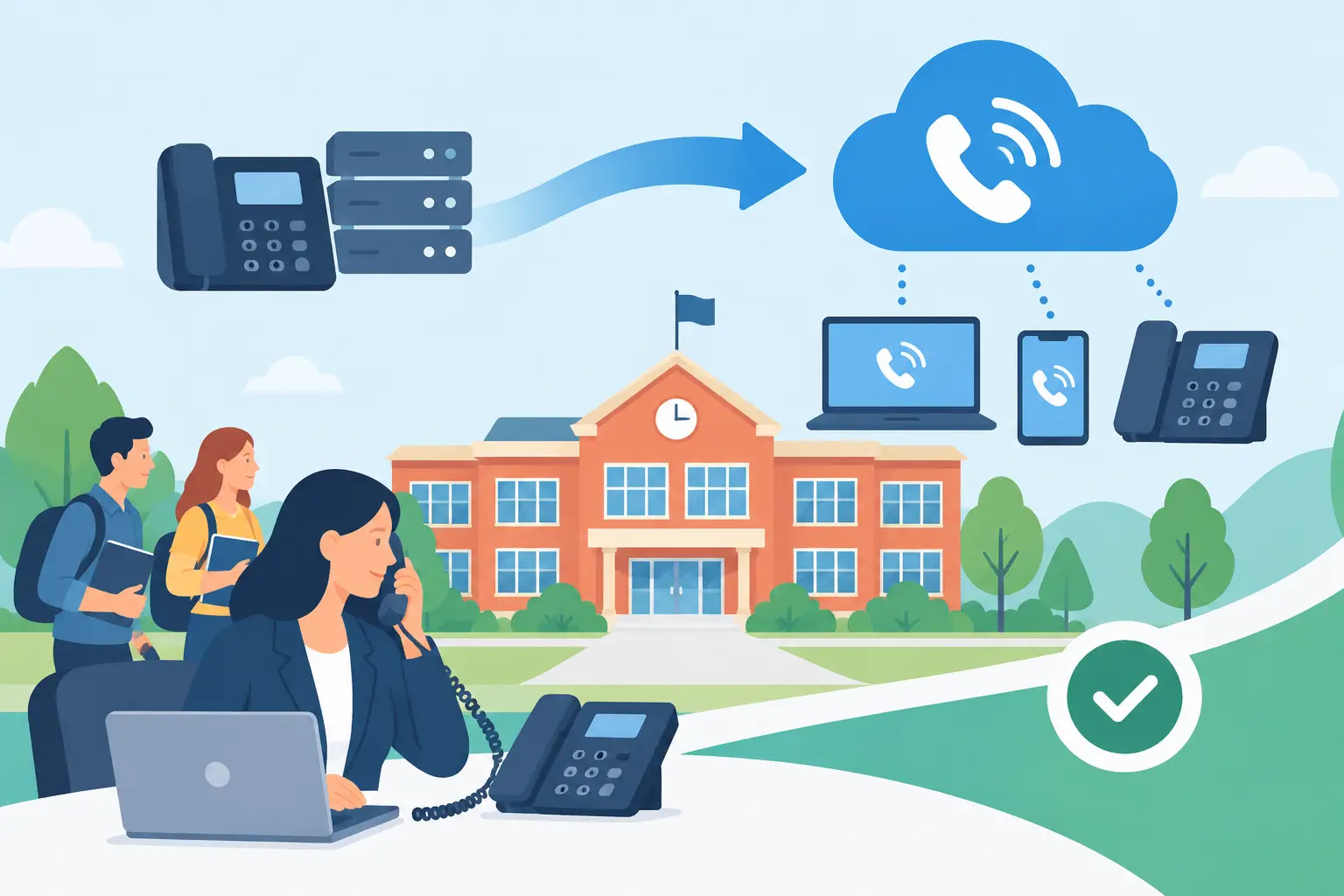
A phone outage during first-period attendance, a weather closure, or an active emergency is not a minor IT incident. For schools, voice service supports safety, family communication, transportation, facilities, and daily administration. A school district VoIP migration must therefore be treated as an operational continuity project, not simply a phone-system replacement.
The opportunity is substantial. Cloud-based voice can retire aging PBX hardware, reduce dependence on costly PRI and analog lines, simplify administration, and give staff more flexibility across campuses. But the benefits only materialize when the district maps its actual calling needs, validates the network, and stages the transition around the academic calendar.
Start With Safety-Critical Calling
The first question is not which desk phones to buy. It is which calls the district cannot afford to miss. That includes 911 calls from every campus and administrative building, front-office calls, nurse and security lines, elevator and fire-panel connections, transportation dispatch, and communications during closures or emergencies.
Emergency calling deserves particular attention. Every phone or soft client capable of dialing 911 needs an accurate dispatchable location. A district with multiple buildings, wings, portable classrooms, athletic facilities, and remote employees cannot rely on one main address for all users. Work with the provider to define how locations are assigned, updated, tested, and communicated to public safety personnel.
Analog lines should also be inventoried before any cutover. Some systems still require specialized connectivity or replacement solutions: fire alarms, intrusion alarms, elevator phones, fax machines, paging equipment, gates, and emergency call boxes. Assuming every analog device can simply move to a standard VoIP line is a common source of late project delays. In some cases, a managed POTS replacement or an adapter is appropriate. In others, the underlying equipment should be upgraded.
Build a Complete Inventory Before Selecting a Design
Districts often discover that the existing phone environment is less centralized than expected. One campus may have an aging PBX, another may be using hosted phones, and a third may retain separate analog services purchased years ago. Billing records provide a starting point, but they rarely tell the complete story.
Document every active number, service line, device type, extension range, call queue, auto attendant, paging connection, and carrier circuit. Identify the owner and operational purpose of each item. This exercise reveals unused services that can be removed, but its larger value is risk reduction. A line with an unclear owner may be the one that reaches a security gate, a boiler room, or a principal’s emergency desk.
The inventory should also capture call patterns. Front offices may need high-volume inbound handling at arrival and dismissal. Transportation may need rapid outbound calling during route changes. Central administration may need departmental queues, call recording policies, or after-hours routing. A single configuration across every campus is rarely the right answer.
Validate the Network and Power Plan
VoIP quality depends on the network carrying it. Before migration, review WAN capacity, internet circuits, switching capacity, Wi-Fi coverage for mobile use cases, and the connection between each campus and district resources. Voice traffic should have a defined path and appropriate quality-of-service policies so large downloads, testing traffic, or classroom streaming do not degrade calls.
Redundancy should be designed according to each site’s role. A district office or emergency operations center may justify diverse internet connections and automatic failover. A small administrative site may need a more modest design, provided calls can reroute to mobile devices or another campus during an outage. The right level of redundancy depends on the consequence of failure, not on a one-size-fits-all specification.
Power is equally relevant. Traditional phones often continued working during local power events because the phone company supplied line power. IP phones, switches, routers, and internet equipment depend on local power. Confirm that critical network closets have UPS protection, identify expected runtime, and determine what occurs during an extended outage. For high-priority locations, generator-backed power and documented failover procedures may be necessary.
Plan the School District VoIP Migration in Phases
A phased approach gives the district time to test real workflows without placing every campus at risk on the same day. Avoid cutovers during state testing, registration, major events, and the first weeks of a new term. Summer can be useful, but only when the team remains available to validate summer school, facilities, and administrative operations.
A practical migration normally follows four connected phases:
- Assessment and design: Complete the service inventory, document emergency locations, evaluate network readiness, define call flows, and confirm the number-porting plan.
- Pilot deployment: Move a controlled group such as an administrative department or one campus. Test inbound and outbound calling, 911 routing, call queues, paging, voicemail, mobile access, and failover behavior.
- Staged rollout: Migrate campuses in manageable groups, with clear cutover windows, escalation contacts, staff communications, and contingency routing.
- Optimization: Review call quality, missed-call reports, configuration changes, training needs, and remaining legacy services after each phase.
The pilot should represent real complexity. A low-use office may be easy to move, but it will not expose the issues found in a busy school front office or transportation department. Select a pilot location with meaningful call volume and engaged staff, while still keeping the project manageable.
Number porting requires the same discipline. Confirm the exact carrier account details, authorized contacts, service addresses, and numbers to be transferred well before the requested date. Keep existing service active until port completion is confirmed. If a number cannot be ported on schedule, temporary forwarding can protect continuity, but it should be designed in advance rather than improvised during the cutover.
Configure for How Schools Actually Work
A successful system makes routine tasks easier without making safety procedures harder. Reception teams need visibility into available staff and straightforward transfer options. Principals and district leaders may need mobile calling that preserves the school number rather than exposing a personal cell number. Remote staff need a secure way to place and receive calls while maintaining consistent caller ID and policy controls.
Call queues, auto attendants, hunt groups, and schedules should reflect school operations. For example, an attendance line may route differently before and after the morning bell. A snow-day message may need to take priority over normal menus. A campus office may need overflow routing to a central team when its staff is unavailable. These are configuration decisions, but they are also customer-service decisions for families.
Accessibility and training matter as much as feature selection. Staff should receive role-based instruction, not a generic feature tour. Office staff need call-handling practice. IT staff need administration and troubleshooting guidance. Safety personnel need to understand emergency procedures and fallback communications. Provide a short reference sheet for common tasks, then schedule support coverage for the first days after each cutover.
Choose a Provider for Accountability, Not Just Features
Most modern voice platforms offer similar baseline features. Districts should look beyond the feature checklist to understand who owns implementation, service monitoring, escalation, emergency-calling configuration, and ongoing support. A low monthly price can become costly if the district must coordinate separate vendors for connectivity, SIP service, handsets, analog replacement, and troubleshooting.
Ask prospective providers how they handle outage communication, after-hours support, number porting, network assessments, and security controls. For districts with public-sector or compliance requirements, also ask how service architecture, administrative access, and data handling align with those obligations. Clear answers are more valuable than broad assurances.
Intuity approaches voice modernization as a tailored infrastructure project, helping organizations align cloud voice, SIP connectivity, legacy-line replacement, and support responsibilities around operational requirements.
Measure the Result After Cutover
Migration is complete only when the district can show that the new environment is working as intended. Track call quality and availability, emergency-calling test results, queue performance, recurring support requests, unused services retired, and monthly spend against the original baseline. Review results with campus leaders, not only IT, because a system can be technically healthy while still creating friction at the front desk.
Keep a change process in place as campuses add staff, relocate classrooms, or open new facilities. Emergency locations, call routing, and device assignments are not set-once details. Regular review keeps the system accurate and protects the district when conditions change.
The strongest migration plans leave staff with more than newer phones. They leave the district with documented ownership, tested fallback procedures, accurate emergency information, and a communications foundation that remains dependable when a normal school day stops being normal.