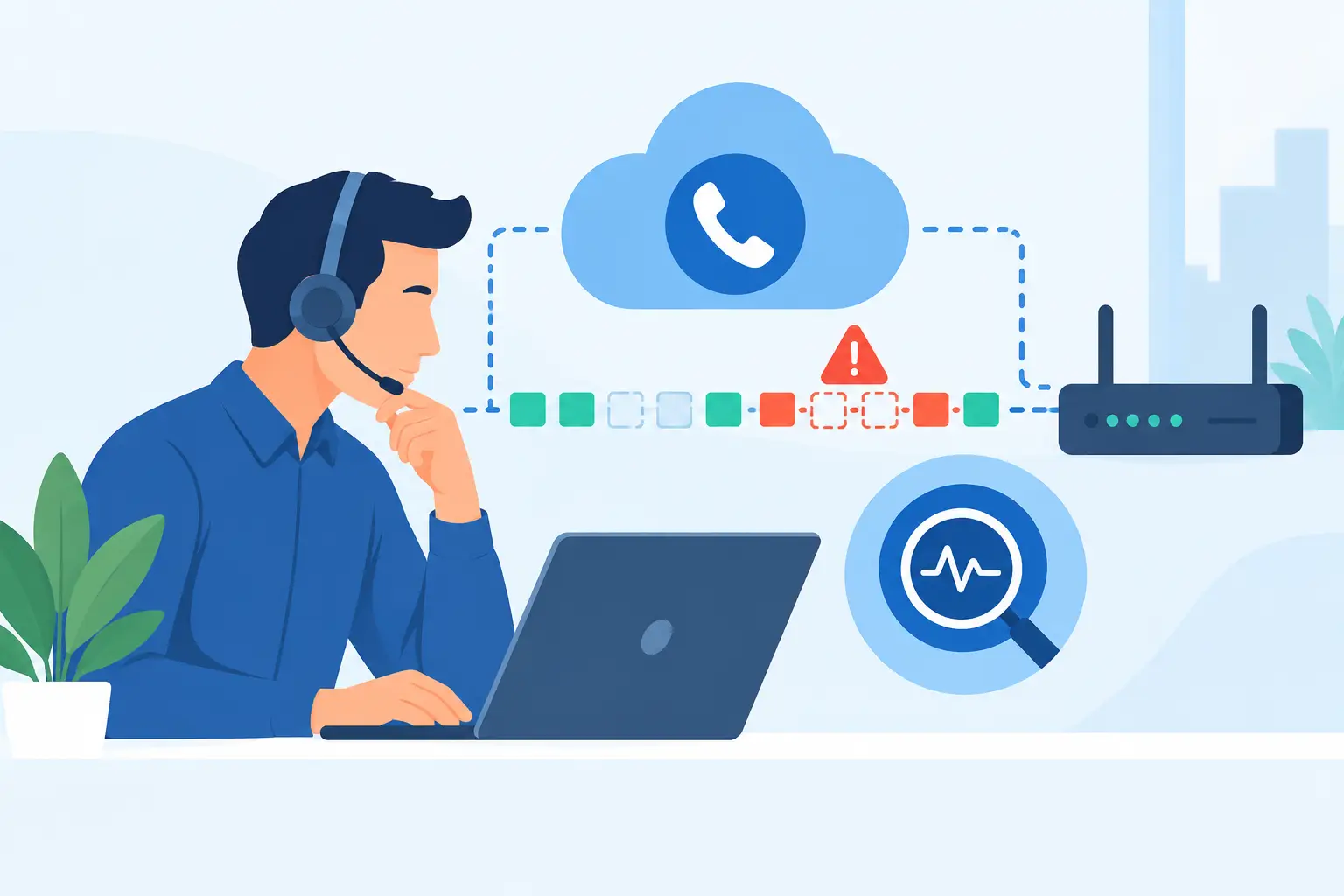
A call can sound clear for the first 30 seconds, then turn robotic, clipped, or completely one-sided. When users report those symptoms, the goal is not simply to restart phones. To troubleshoot VoIP packet loss effectively, IT teams need to identify where voice packets are being dropped, determine whether the issue is isolated or systemic, and protect call quality without creating new security or operational risks.
For organizations that rely on cloud calling, SIP trunking, contact centers, or distributed staff, packet loss is more than a technical nuisance. It can disrupt emergency communications, delay constituent services, frustrate customers, and make employees question the reliability of the entire phone system. A structured troubleshooting process shortens the outage and produces evidence for the right long-term fix.
What VoIP Packet Loss Sounds Like in Real Calls
VoIP converts voice into small data packets that travel across the local network, internet connection, and voice provider infrastructure before being reassembled at the other end. Some packet loss can be concealed by the codec and the receiving device’s jitter buffer. Beyond a low threshold, however, the listener begins to hear gaps, distortion, repeated syllables, or dropped audio.
Packet loss is often confused with latency and jitter. Latency is delay. Jitter is variation in packet arrival times. Packet loss means packets never arrive in time to be used, or do not arrive at all. These problems can occur together, which is why a complaint such as “calls are choppy” is useful but not enough to diagnose the cause.
As a practical baseline, sustained packet loss above 1% can affect a voice conversation. The actual impact depends on the codec, call volume, jitter-buffer settings, and network conditions. A brief spike may go unnoticed. Repeated loss during business hours is a service-quality issue that deserves investigation.
How to Troubleshoot VoIP Packet Loss Step by Step
Start by narrowing the scope. Ask whether the issue affects one user, one office, remote workers, a particular call queue, or every call. Also establish when it began and whether it follows a predictable pattern, such as morning video meetings, a scheduled backup job, or a monthly software deployment.
If one handset is affected while nearby users are clear, inspect that endpoint first. Check its Ethernet cable, switch port, power source, VLAN assignment, firmware level, and configuration. For softphone users, compare a wired connection with Wi-Fi and verify whether the problem occurs only on a particular home network or VPN path.
If multiple users share the same symptoms, look for a common network segment, WAN circuit, firewall, switch, wireless access point, or internet provider. A problem affecting calls at more than one location may point to a centralized security policy, DNS issue, SD-WAN configuration, cloud connectivity path, or provider-side event. Scope prevents a team from spending hours adjusting individual phones when the real issue is upstream.
Measure the Voice Path, Not Just General Internet Speed
A broadband speed test can show that an office has plenty of bandwidth while missing the condition that damages voice traffic: congestion, packet drops, or poor packet handling during peak use. Measure the actual path and time period associated with affected calls whenever possible.
Use call-detail records, session border controller logs, firewall statistics, switch interface counters, and network monitoring data to review packet loss, jitter, latency, codec negotiation, and mean opinion score where available. Correlate those measurements with user reports. The most valuable evidence is a pattern, such as increased RTP packet loss on a specific WAN interface between 9:00 and 10:00 a.m.
Check both directions of the call. A user may hear the far end clearly while the far end hears broken audio. That distinction can reveal whether the loss is occurring on the user’s outbound path, inbound path, or elsewhere in the voice route. One-way audio can also indicate NAT, firewall, or SIP application-layer gateway behavior rather than simple congestion.
Check for Congestion and Incorrect QoS
Voice does not require enormous bandwidth, but it does require timely delivery. An office may have sufficient total capacity and still experience degraded calls when large uploads, cloud backups, security scans, video traffic, or guest Wi-Fi consume the upstream connection.
Review utilization on WAN links and switch uplinks during the affected period. Look for output drops, interface errors, oversubscription, duplex mismatches, and traffic bursts. A saturated upload circuit is especially common because many organizations focus on download speed when evaluating internet service.
Quality of service should identify and prioritize voice traffic end to end. That typically means placing voice endpoints in an appropriate voice VLAN, marking RTP traffic according to the network design, preserving those markings across switches and routers, and applying a sensible WAN queueing policy. Prioritization must be deliberate. Marking every application as high priority can make QoS ineffective, while overly restrictive policing can discard the very RTP packets it is intended to protect.
QoS also has limits. It can prioritize traffic within a managed network, but it cannot repair a failing local circuit or control every segment of the public internet. When calls traverse unmanaged home networks, consumer Wi-Fi, or general internet paths, organizations may need a combination of endpoint guidance, bandwidth standards, secure connectivity design, and monitoring rather than a single network policy.
Investigate Wi-Fi, VPNs, and Security Devices
Wi-Fi is a frequent source of inconsistent VoIP quality. Signal strength alone does not tell the full story. Channel interference, roaming behavior, crowded access points, weak client radios, and airtime contention can all introduce loss. For critical users, a wired Ethernet test is one of the fastest ways to determine whether wireless conditions are involved.
Remote work adds another layer. A home user may have good service most of the day but experience loss when other household devices begin streaming, gaming, or uploading files. If a softphone is routed through a full-tunnel VPN, the VPN concentrator and its internet path become part of the call path as well. The right approach depends on security requirements. Some regulated environments require tightly controlled routing, while others may support a carefully designed split-tunnel model for approved collaboration traffic. Security and call quality should be evaluated together, not treated as competing afterthoughts.
Firewalls and session border controllers deserve close review. Confirm that SIP and RTP port ranges are correct, NAT behavior is consistent, session limits are appropriate, and SIP ALG is disabled unless the provider specifically requires and supports it. An ALG can rewrite SIP messages in ways that cause registration failures, one-way audio, or intermittent call behavior. Avoid broad firewall changes during an incident. Make targeted changes, document them, and test against the organization’s security controls.
Verify the WAN and Provider Boundary
When local network metrics are clean but calls remain impaired, compare observations at the edge of the customer network with provider call data. This is where time synchronization matters. Accurate timestamps, affected numbers, call directions, source locations, and call examples allow support teams to trace a specific media path instead of working from general reports.
A dependable voice provider should help isolate whether loss is occurring before traffic leaves the site, within the access circuit, on a peering route, or in the voice platform. For multi-site organizations, compare a known-good location with an affected one. If both use the same voice service but only one has loss, the local WAN or LAN is a stronger suspect. If sites with different access circuits show the same pattern, examine shared cloud security, routing, or provider components.
Redundancy changes the impact of failures but does not eliminate the need for validation. Secondary circuits, diverse carriers, and automatic failover should be tested under controlled conditions. A backup connection that works for web browsing may not have the bandwidth, QoS policy, firewall rules, or DNS behavior needed to maintain acceptable voice service during a real outage.
Prevent Recurring Packet Loss
After the immediate issue is resolved, convert the findings into an operational standard. Define acceptable voice-quality thresholds, monitor WAN utilization and interface drops, maintain an inventory of voice VLANs and critical ports, and document escalation procedures. For schools, government agencies, and regulated businesses, preserve those records alongside change-management and incident-response requirements.
Capacity planning should account for peak concurrent calls, video collaboration, cloud applications, backup windows, and remote access – not just average internet use. It is also wise to test voice performance after major firewall updates, SD-WAN policy changes, ISP migrations, and office moves. Changes that appear harmless to standard data applications can have a noticeable effect on real-time media.
Organizations with complex requirements benefit from a voice architecture that treats reliability, security, compliance, and support as connected responsibilities. Intuity helps organizations design and support cloud voice environments with those operational realities in mind. The most useful next step after a packet-loss incident is not merely closing the ticket. It is making sure the next busy day, network change, or circuit failure does not recreate the same call-quality problem.